

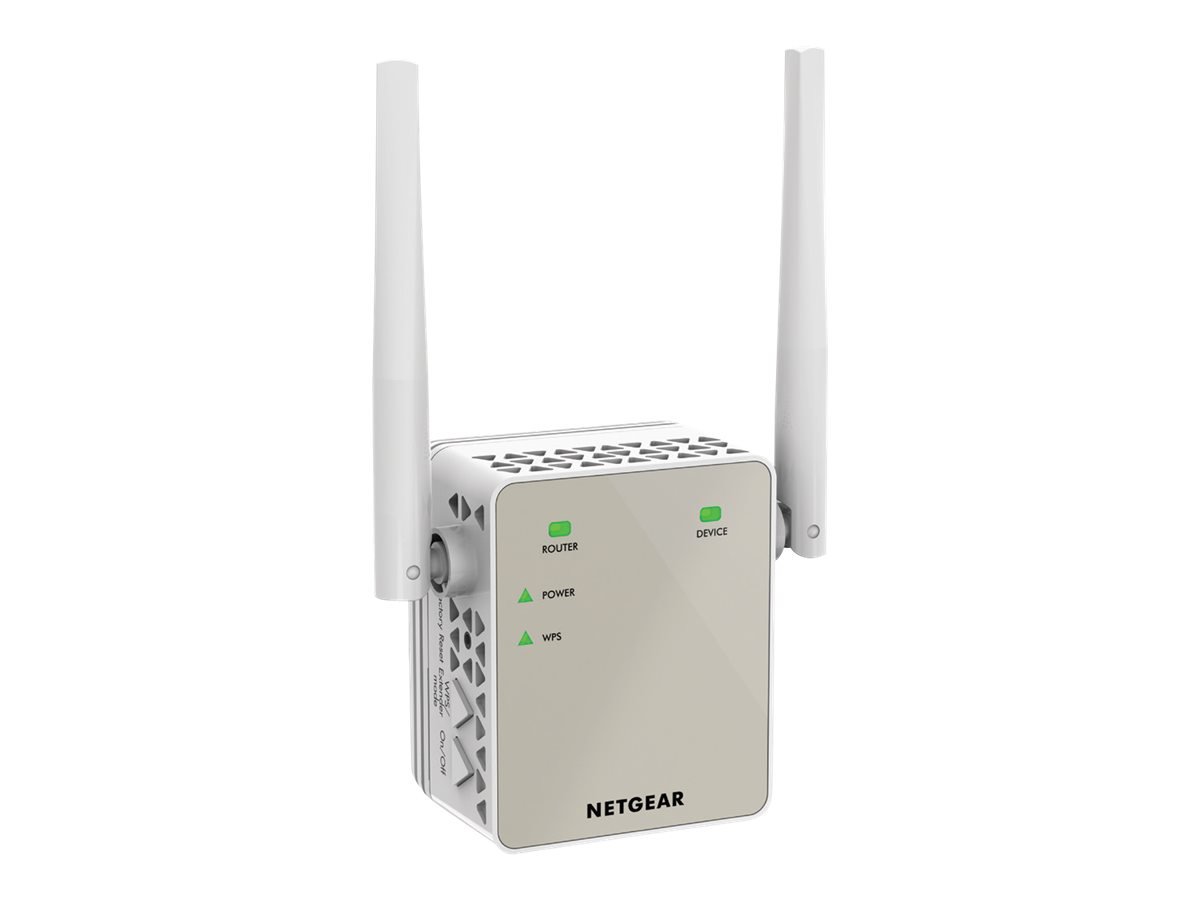
Here we provide you a full guidance for the Netgear extender login interface. The guide will consist the sections: what is mywifiext, how to reach the login page of the interface, and then how to access it. At the end of the page, you will get to learn troubleshooting tips and solutions from the experts. Now, let’s start this guide from the definition of the mywifiext Netgear genie interface.
What is Mywifiext Netgear Genie?
It’s not a website. That’s why it doesn’t work like one. It’s a local address your Netgear extender uses to let you log in and mess with the settings. It only works when you’re connected to the extender’s WiFi. Read that again.
If you’re connected to your main router, or good forbid using mobile data or some random Starbucks network, mywifiext.net will just laugh in your face and not work.
Step-by-Step: Logging in the Right Way
These are the major login steps to reach and access the interface on your computer or laptop’s web browser.
1. Plug the extender in
Obvious, yeah. But make sure it’s actually powered on and the lights aren’t doing something crazy. You want that power light solid. If it’s blinking like it’s having a panic attack, reset it (tiny hole, paperclip, 10 seconds).
2. Connect to the extender’s network
Look for something like: NETGEAR_EXT. That’s your extender’s default WiFi. Connect to that. No internet yet, and that’s fine. We’re not trying to stream Netflix—just log in.
3. Now open your browser
IMPORTANT: Use Chrome, Firefox, Edge—something modern. Old-ass browsers break stuff.
- Go to: http://mywifiext.net OR http://mywifiext.local (Mac users usually need the .local one.). Still not working? Skip to the Troubleshooting section below. But assuming it does work…
5. You’ll hit the Netgear setup/login page
If this is the first time, it’ll walk you through Netgear WiFi extender setup. If you’ve already set it up before, you’ll just get a login prompt like Netgear router login interface.
Default creds (unless you changed them):
- Username: admin
- Password: password
If those don’t work, congrats—you changed them and forgot. Hit that factory reset.
Now that you have learned how to log into the Netgear WiFi extender through your computer, you should know how to troubleshoot any login issue.
Troubleshooting when mywifiext is being a pain
“Can’t connect” or “site not found” error?
- Are you connected to the extender’s WiFi? Seriously, double check.
- Try using the IP instead. Open CMD or Terminal and type: ipconfig (Windows) or ifconfig (Mac)
Look for Default Gateway or something similar under WiFi adapter. Try popping that IP into the browser.
Still no Solution?
- Clear your browser cache. Or go incognito.
- Disable mobile data (on phones).
- Restart the extender.
- Use Ethernet if the extender has a port. Connect to your PC and hit the IP directly.
Reset the Extender & Try Again
- Find the Reset Button.
It’s probably a tiny hole labeled “Reset” on the back or bottom. You’ll need something skinny — a paperclip, SIM tool, whatever. - Hold it down.
Push and hold that sucker for like 10-15 seconds. Don’t let go early. You want the lights to blink or flash weirdly — that’s your cue it’s wiping itself clean. - Give it a minute. Don’t unplug it. Let it reboot fully. You want it to come back with factory settings.
- Now, grab your phone or laptop and connect to the extender’s default network. It’ll usually be something like NETGEAR_EXT.
- Go to the setup page.
Open a browser and go to http://mywifiext.net — if that doesn’t work, try 168.1.250.
Follow the setup steps. It’ll ask you which network to extend, what password, etc. Just do what it says. It’s not that painful. - Test it.
Once it’s set up again, move your device around and make sure it’s actually extending your WiFi. If not? Double-check what network you’re on. Sometimes people end up still connected to the main router and don’t realize it.
Conclusion
Hope this above mywifiext guide helped you to get inside the interface on your computer and troubleshooting tips make it error free.
